How to Improve AI-Generated Videos Before Publishing
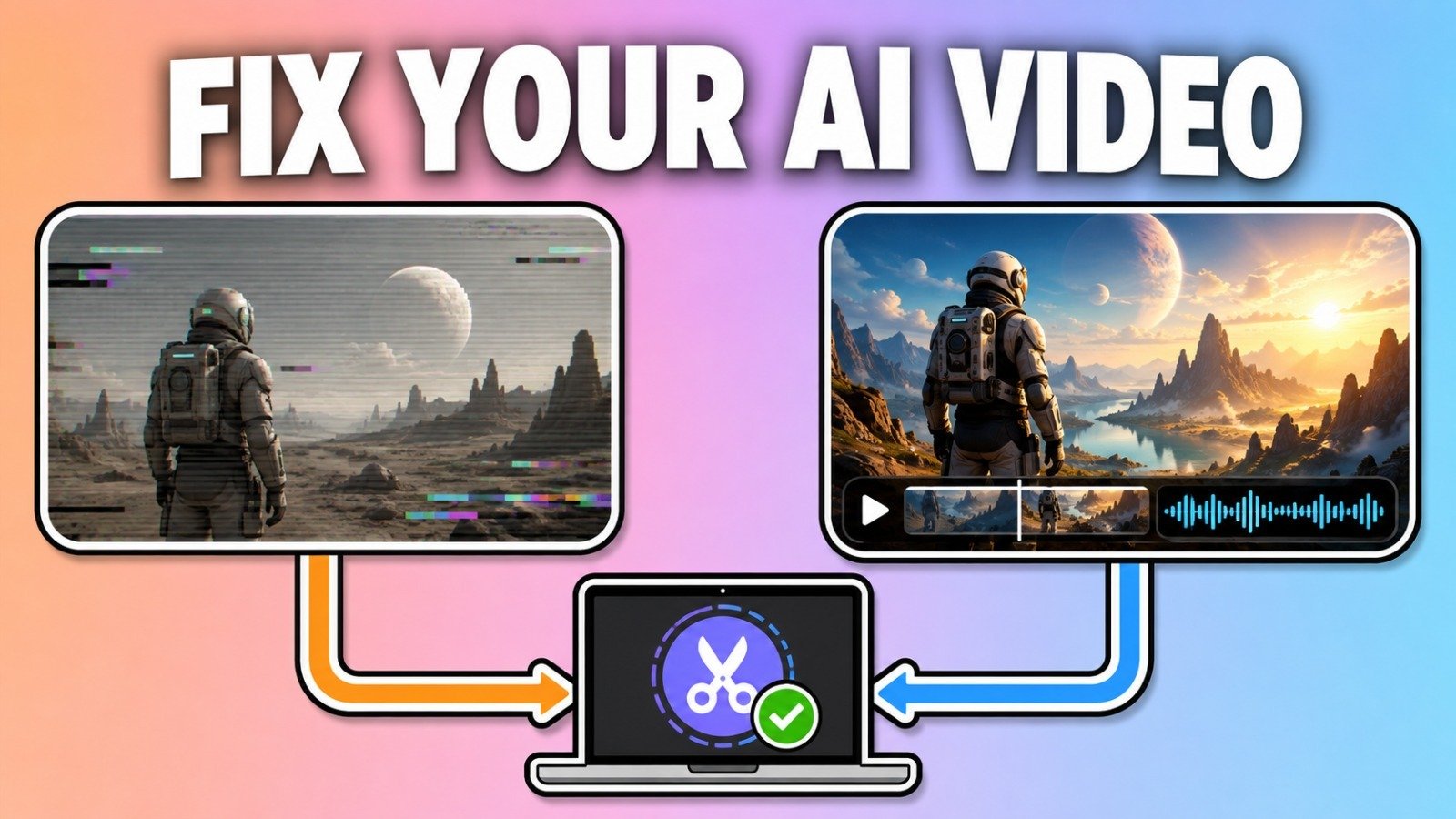
Generating an AI video can be exciting, but the first version is rarely the final version.
Just like traditional footage, AI-generated video often benefits from editing and post-processing.
A few simple improvements can turn an interesting generation into a much more polished piece of content.
Start by Reviewing the Entire Clip
Before editing anything, watch the complete video.
Look for visual inconsistencies, strange movements, unexpected objects, and other artifacts.
AI-generated footage can sometimes contain details that are difficult to notice when viewing individual frames.
A complete review helps identify which sections should be kept and which should be replaced.
Remove Unnecessary Sections
Shorter videos are often more effective than unnecessarily long ones.
If a generated clip contains a few seconds of useful footage surrounded by irrelevant material, trim it.
This is particularly important for social media content, where viewers often decide within seconds whether to continue watching.
Improve the Composition
The original AI generation may not have the exact framing required for the final project.
Cropping and resizing can help.
For example, a landscape video may need to be adapted for a vertical social-media format.
Creators should make sure important subjects remain visible after changing the aspect ratio.
Add Sound
Visual quality is only one component of a video.
Music, narration, and sound effects can dramatically improve the experience.
The audio should match the mood of the scene rather than simply being added as an afterthought.
Add Captions
Captions can make videos more accessible and useful when viewers are watching without sound.
AI transcription tools can make the process faster, but generated captions should always be reviewed for mistakes.
Handle Watermarks Responsibly
Some AI video-generation services may add watermarks to generated footage.
Whether a watermark can legally or contractually be removed depends on the platform’s terms and the creator’s rights.
When creators have permission to modify their own content, specialized tools can assist with supported watermark-processing workflows.
Erasio is one example of a tool designed for removing supported AI video watermarks.
It is available as a web tool and as a browser extension, and it processes files locally rather than uploading them, which matters when you are working with unreleased client footage.
The key point is that watermark removal should not be used to bypass licensing restrictions or remove ownership information from content that you do not have permission to modify.
Check the Final Export
After editing, export the final video and watch it again.
Check:
- Resolution
- Aspect ratio
- Audio quality
- Captions
- Visual artifacts
- Transitions
- File format
A final review is especially important when the video is being used commercially.
Build a Consistent Editing Process
Creators can save considerable time by developing a standard workflow.
For example:
Generate → Review → Select → Trim → Resize → Add Audio → Add Captions → Process → Export
Once this process becomes familiar, AI-generated video can move from an experimental activity to a repeatable content-production workflow.
The goal isn’t to make every video perfect.
The goal is to create a reliable process that consistently turns raw AI generations into useful, publishable content.
About the Author
Adeel writes about editing and post-production workflows for AI-generated video. He works on Erasio, a browser-based watermark-processing tool for supported AI media.